
How Online Stores Can Handle Customer Calls Better
A customer checks their order and sees that delivery is delayed, but there’s no updated arrival date. They call your store while your team is packing parcels. Nobody answers.
Later, someone notices the missed call. The customer is still waiting, and the team has to find out what went wrong before they can help.
An AI receptionist for e-commerce can answer common questions and connect callers to staff. But answering the phone is only part of the job. Customers also need a clear next step when their problem requires human help.
When One Phone Becomes Hard to Manage
Customers can get a lot of information from product pages, order tracking, and emails. But when something goes wrong with an order, they often call the store for help.
When your store is small, you might handle these calls yourself. You know the products, check the orders, and arrange deliveries.
If an employee leaves, customers may still call their number. The store may also lose access to the call history on that phone.
Your team needs a way to keep business calls together and make sure customers reach the right person.
How Customer Calls Reach the Right Team
Customers should be able to call your store and explain what they need without figuring out which department to contact.
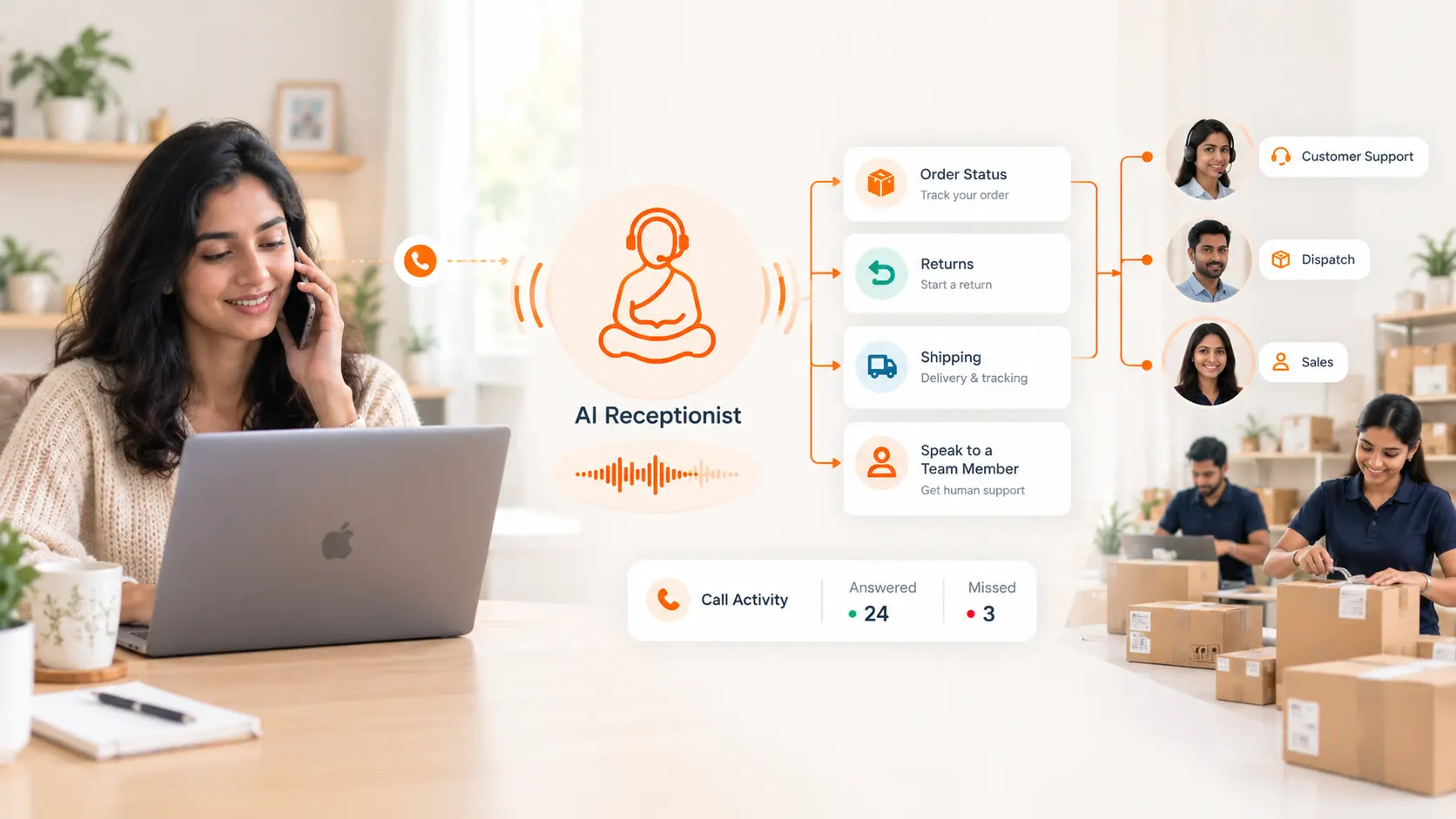
An AI receptionist can answer basic questions using the information you provide. If someone needs help with an order, it can route the call to the right person or team.
Here’s how this could work for an online store:
| Customer’s question | Who handles it? | What happens next? |
|---|---|---|
| How long do I have to return an item? | AI receptionist | Explains the return period and conditions. |
| Can I pay cash on delivery? | AI receptionist | Explains the policy and connects the caller to staff if their delivery area needs checking. |
| My order says delivered, but I haven’t received it. | Support | Checks the order and courier tracking. |
| I entered the wrong delivery address. | The person handling shipping | Checks whether the address can still be changed. |
| My item arrived damaged. | Support or returns | Explains what details or photos the customer needs to share. |
| Can I place a bulk order? | Sales | Checks stock, prices, quantities, and delivery needs. |
Your staff should check the order details before confirming a change, approving a refund, or promising a delivery date. Customers should also have a clear way to ask for a person if the automated answer doesn’t help.
How ReceptionMonk Helps Your Store Handle Calls
ReceptionMonk lets your team handle customer calls through one official business number.
One Official Number for Your Store
Use the same number on your website, packaging, invoices, and social profiles. Customers only need to save one number to contact your store.
You can keep using that number when employees join, change roles, or leave. Simply update who receives the calls.
Like your store’s name and logo, a familiar number helps customers recognise your business. They see the same contact on their order, on your website, and when your team calls them back.
Employees make and receive calls through the ReceptionMonk app. Customers see the store’s official number instead of an employee’s personal number.
Set Up Extensions for Your Team
Extensions let customers reach different employees or teams through your main number. You can set them up for sales, support, or whoever handles those calls.
Choose whether calls ring one person or a group. Use AI routing or a phone menu to help callers reach the right extension.
Keep Your Team’s Call History in One Place
ReceptionMonk’s dashboard shows incoming, outgoing, answered, and missed calls.
Your team can check these records to see which calls need a response. Managers can also spot busy times when more people may be needed to answer calls.
Follow Up on Missed Calls
Choose someone to check and return missed calls during each shift. Have another person cover for them when they’re away.
If the customer left a voicemail, check their name, order number, and reason for calling. This helps your team understand what they need before calling back.
Keep a shared note of who called back, whether they reached the customer, and what still needs to be done. That way, the next person knows if the customer is still waiting for help.
When Should You Upgrade Your Phone Setup?
If one person can answer calls and keep track of callbacks, your current setup may still be enough.
You may need a business phone system when more employees start handling calls. It can also help if customers keep reaching the wrong person or missed calls aren’t getting a response.
Explore ReceptionMonk’s features or compare pricing plans to see what fits your store.
Get started with ReceptionMonkFrequently Asked Questions
Is an AI receptionist the same as a chatbot?
An AI receptionist talks to customers over the phone. A chatbot usually answers text messages on a website or messaging app.
How is an AI receptionist different from a phone menu?
A phone menu, also called IVR, asks callers to press a number to choose an option. An AI receptionist lets callers say what they need. It can answer questions using your store’s information or route the call to your team.
What should I check when comparing prices?
Check the monthly fee, how many employees can use the system, and how many call minutes are included.
ReceptionMonk counts call minutes and AI receptionist minutes separately. Check how much of each your plan includes and what you’ll pay for extra usage.