
How to Get a Business Phone Number in India Without a SIM or Hardware
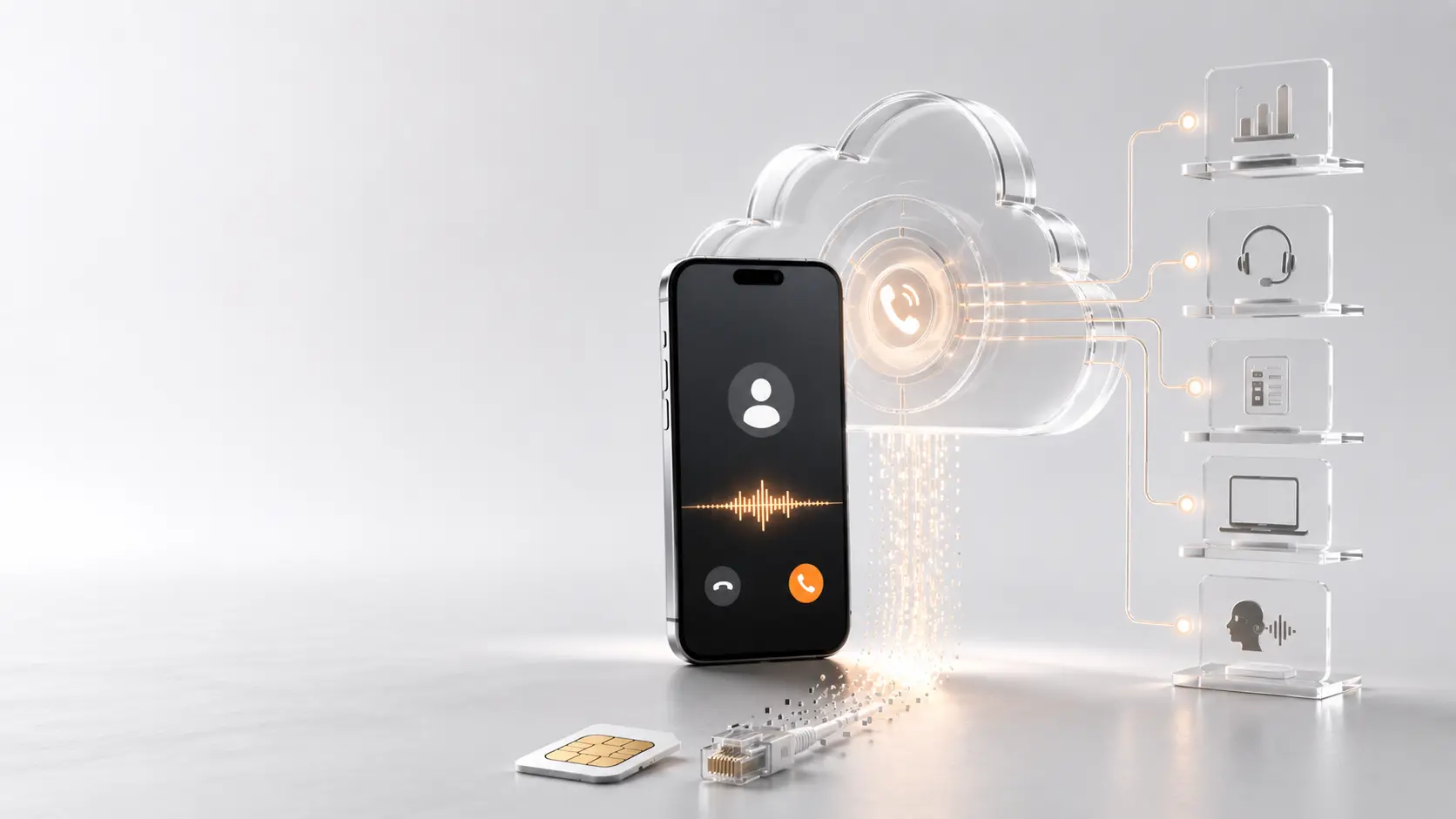
Want a dedicated business phone number without buying another SIM card or office phone? You can set one up in minutes using a cloud business phone system. Your team answers calls from their existing smartphones, while customers see one professional business number.
Many growing teams have remote employees or multiple people answering customer calls. Relying on a single shared smartphone for this is impractical. A cloud business number solves the problem without requiring a desk phone or a separate device.
This guide explains the complete setup process, what you need to get started, and how you can connect your team to a professional communication system.
Get Started Today: Set up your business number in minutes. Your number goes live after standard KYC verification. Plus, receive ₹250 in one-time free credit.
Set up your business number
Why Traditional Business Numbers Become Difficult
A standard SIM card is usually tied to a single physical device. While this works well for personal use, it creates bottlenecks for business communication.
When a company uses a physical SIM, one employee often becomes the default owner of the company number. If that person is in a meeting, on leave, or outside of working hours, incoming calls go unanswered.
Sharing access across a team using a single mobile device is inefficient. Furthermore, call history and customer context become fragmented when employees start using their own personal numbers to reply to customers or return missed calls. This creates a disjointed customer experience and compromises employee privacy.
A traditional landline solves the single-device problem for an office, but it requires physical hardware, fixed-location installation, and ongoing maintenance. Businesses moving away from fixed office phones can also read our guide on moving beyond fixed office phones for a deeper look at replacing legacy hardware.
Here is a quick breakdown of how traditional SIMs compare to a modern cloud setup:
| Feature | Traditional SIM | Cloud Business Number |
|---|---|---|
| Device | One phone | Entire team |
| Hardware | Physical SIM | No SIM |
| Call Routing | Manual transfers | AI routing |
| Availability | Limited hours | 24×7 AI |
| Scalability | Single user | Unlimited extensions |
What You Actually Need
To move past these physical limitations, you need two essential components to handle your business calls effectively.
1. A cloud business number
This is a public-facing number that your customers can call. It looks and functions exactly like a standard local or national phone number. Because it is hosted in the cloud rather than tied to a physical SIM card, it acts as the single point of contact for your entire company.
2. A business call-management system
A number alone is not enough. You need a system that decides what happens when someone calls. A cloud phone system allows you to send the call to an AI receptionist, route it to a specific department, ring selected team members simultaneously, or transfer it to an internal extension. It also records call activity, captures voicemail information, and syncs relevant call details with your CRM.
You do not need a new physical SIM. Team members use their existing internet-connected devices, such as laptops or smartphones, along with a supported business calling application. As long as your team has internet access, they can manage customer conversations from anywhere.
How to Get Your Business Number Live
If you want to get a virtual business number in India, the configuration is a straightforward process. Follow this step-by-step walkthrough to set up your account.
Create Your Account
Sign up for a ReceptionMonk™ account using your business email. The process is self-serve, requires no credit card, and includes ₹250 free wallet credit after account verification.
Choose Your Business Number
Every plan includes one business number. Select your number from the dashboard and complete the required business verification (KYC). Your number becomes active once the verification is approved.
Configure Your AI Receptionist
Set your business name, greeting, working hours, and common customer questions. You can also create departments and define call routing for after-hours or unavailable teams.
Add Your Team
Invite employees and assign extensions to individuals or departments.
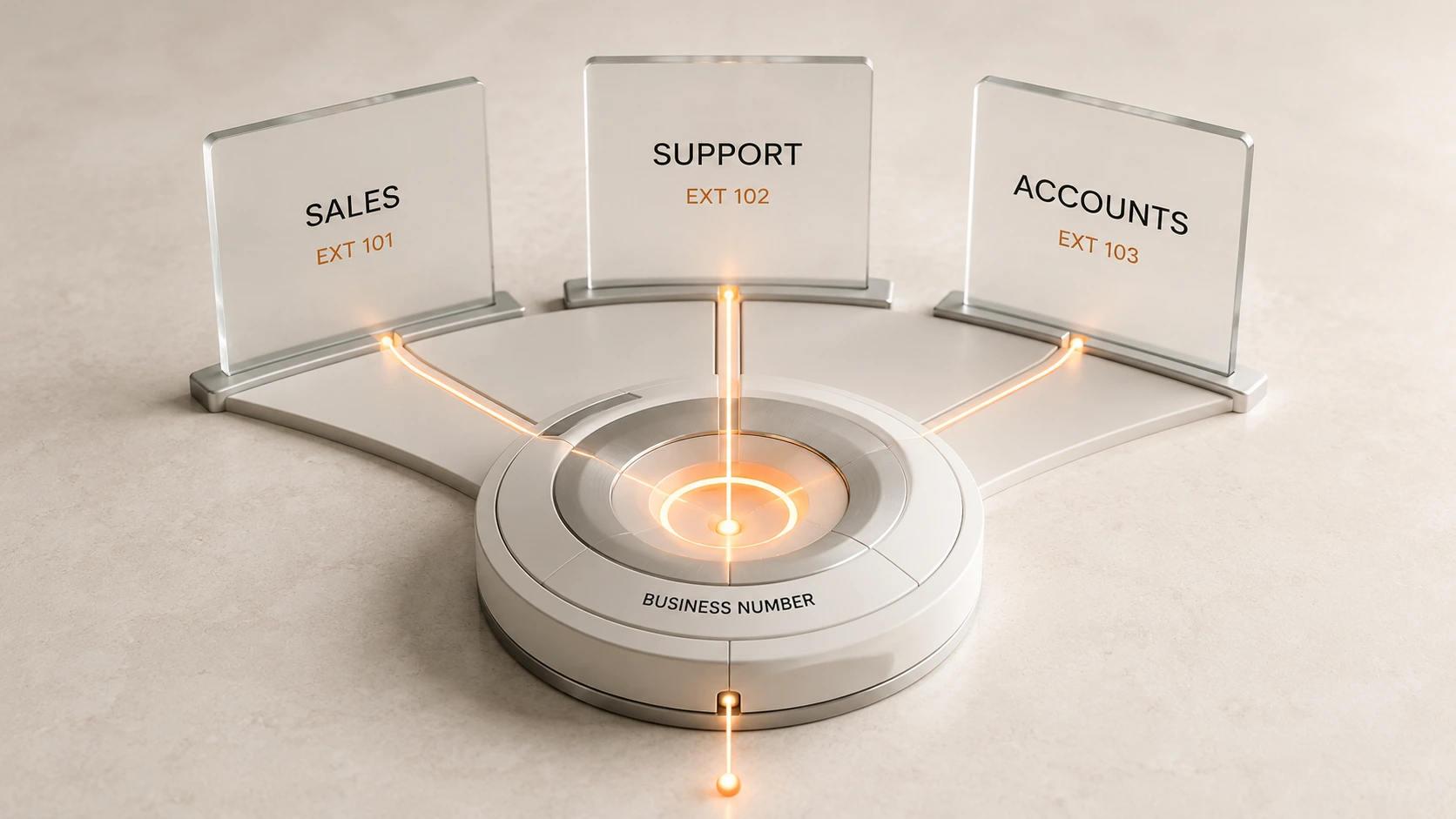
Your team can handle business calls through the app without needing separate SIM cards for each extension.
Install the App
Install the ReceptionMonk app on your team’s devices. Employees can make and receive business calls, view call history, transfer calls, and manage business communication from one place. Android is available on all plans, while iOS is available from the Professional plan onwards.
Test Everything
Make a few test calls before sharing your number publicly. Confirm that greetings, AI responses, extensions, department routing, and after-hours handling all work as expected.
Ready to configure your system?
Set Up Your Business Number today
Your number, AI receptionist, and team extensions can be managed from one place—without installing a new SIM in every employee’s phone.
What Can a Cloud Business Number Do?
A cloud business number is just the entry point. The real value comes from a complete business communication system that organizes how your entire team interacts with customers. Instead of one employee missing calls during lunch or meetings, every incoming call can be answered, routed, or handled automatically—helping your business appear more responsive and professional.
24/7 AI Call Answering
When configured properly, the AI receptionist can answer common questions and route callers to the correct department at any time of day, reducing the manual workload on your staff.
Team Extensions
Multiple employees or departments can operate efficiently under one single public business number. This projects a unified company image, regardless of how small or distributed your team actually is.
Call Routing
Incoming calls can be directed intelligently according to specific departments, staff availability, or custom configured routing rules. This ensures callers reach the right person faster and improves response times.
CRM Integration
ReceptionMonk supports various CRM integrations, allowing your team to sync call logs, access customer context before answering, and maintain accurate activity records without manual data entry.
Call Analytics
The dashboard provides useful insights, including incoming call volume, missed calls, call duration, and overall team activity. These analytics help managers understand peak call times and determine resource requirements.
Business Continuity
Because the number is hosted securely in the cloud, the company retains control of its main contact number even when employees leave the organization or devices are upgraded.
Can You Keep Your Existing Business Number?
If your company already promotes a specific mobile, landline, or business number, you may want to retain it while upgrading your underlying technology to a cloud system.
Keep the number your customers already know
ReceptionMonk offers a Bring Your Own Number option, allowing you to connect your existing number to the cloud infrastructure.
- Available from the Professional plan
- Connect your existing number to cloud routing
- Compatibility depends on number type and current telecom provider
Ready to try it?
Get your setup started
Set up your cloud business number, AI receptionist, and team extensions from one dashboard.
Prefer a demo? Call +91 80354 50200.
Frequently Asked Questions
Can I get a business phone number in India without a SIM?
Yes. A cloud business number does not require a new physical SIM in your team member’s phone. Calls are handled entirely through a supported application and a cloud call-routing system using an internet connection.
Can I keep my existing business number?
Yes, you can often keep your existing number. ReceptionMonk’s Bring Your Own Number option is available starting from the Professional plan. Compatibility depends on your current telecom provider.
Does ReceptionMonk work on Android and iOS?
The Android application is available on all ReceptionMonk plans. The iOS application is supported on the Professional plan and above.
What happens if I already use a SIM-based business number?
You can continue using it separately, check Bring Your Own Number compatibility to move it to the cloud, forward calls to your new system if supported, or introduce a new cloud number gradually to your customers.
Do I need a desk phone or telephone hardware?
No. Normal usage does not require a traditional desk phone or specialized office telephone hardware. Your team can manage calls using their existing internet-connected computers and smartphones.
How quickly can I start receiving calls?
You can complete the basic account setup and configure your internal call flows in just a few minutes. However, live number activation and public call routing require regulatory business verification (KYC), which must be approved before you can receive external calls.
Can several employees answer the same business number?
Yes. Multiple employees can answer calls from the same public number. You can organize your team into departments, assign individual extensions, and set routing rules to distribute incoming calls efficiently.